
Feature tour
Calendars
Every event, on the right calendar.
Give every ministry its own color-coded calendar, keep group events private to the group, and let families RSVP for everyone at once. Members see it all in the free app, sync it to their phone's calendar, and find it on your website.
- Color-coded calendars
- Group calendars
- Recurring events
- RSVPs
- Push notifications
- Phone calendar sync
- Add to calendar
- Website calendar
- Printable calendar
- Mobile app
01Organize
Organize
Make a calendar for each ministry, each with its own color, and keep some just for staff or for a group.
02Schedule
Schedule
Add one-time, all-day and multi-day events, or repeat them every week, every month or on the dates you pick.
03Share
Share
Members see events in the app, sync them to their phone, RSVP, and find them on your website.
Calendars
A calendar for every ministry, all in one view.
Worship, Bible classes, youth, ladies and men each get their own calendar and color, so a single glance tells you what is happening and for whom.
- Color-coded calendars
- Give each calendar its own colors, and every view shows them side by side.
- Staff-only calendars
- Hide a calendar from members and it is visible only to the people who manage calendars.
- Group calendars
- Tie a calendar to a group and only that group's members see its events.
- Public calendars
- Choose which calendars appear on your website, and keep the rest for members.
- Month, week and list
- Switch between a month grid, a week view and an agenda list on the web.
- Your time zone
- Events follow your church's time zone, and you choose whether existing events move if it changes.
Events
Schedule it once, every week of the year.
Most church events repeat. Set the pattern once and every date shows up, then change one date without touching the rest.
- Repeating events
- Repeat daily, weekly on the days you pick, or monthly, including patterns like "second Tuesday" or "last Sunday".
- Specific dates
- For events that don't follow a pattern, pick the exact dates, up to 18 months ahead.
- All-day and multi-day
- Mark an event all day, or let it run across several days, like a retreat or a gospel meeting.
- Change one date
- Move or edit a single date, or cancel it, and the rest of the series stays as it was.
- Update the series
- Change the title, details or location for every date at once, or move the series to another calendar.
- Location and details
- Add where it is and what to bring, and it travels with the event into members' phone calendars.
Group calendars
Let each group plan its own.
Small groups, classes and committees keep their own calendar inside Groups, visible only to their members, without waiting on the church office.
- Members only
- A group's calendar and events are seen only by people in that group.
- Members can add events
- Let every member add and edit one-time events, or keep it to the group's leaders.
- Per-person rights
- Give a particular member permission to create or edit events, whatever the group setting.
- Pin the big ones
- Pin an event to the top of the group page so nobody misses it.


RSVPs
Know who's coming before you set the tables.
Turn on responses for any date and members answer from the web or the app. One tap covers the whole family.
- Going, interested or not
- Members answer with one tap, on the web or in the app, and can change their answer anytime.
- For the whole family
- Answer for yourself and your family members at the same time.
- Bring a guest
- Allow guests to be added by name, and require an email or phone number when you need one.
- Show or hide the list
- Let everyone see who's coming, or keep the responses for the organizers.


Notifications
New events announce themselves.
When an event is added, the people who can see it get a push notification with the date, time and place. Group events go to the group, church events go to the church.
- Only people who can see the event are notified
- Staff-only calendars stay quiet
- Works for events added on the web or in the app
Phone calendar sync
Right next to soccer practice.
Members subscribe once and church events appear in the calendar they already use, kept up to date automatically. Or add a single event with one tap.
- Subscribe to every calendar they can see, or just one
- Works with Google Calendar, Apple Calendar and Outlook
- Add any single event to Apple, Google, Outlook or Yahoo
Website calendar
Visitors see what's coming before they visit.
Choose which calendars are public and they show up on your website, always current, with no copying events by hand.
- On your Lightpost website
- Turn on the calendar page and choose whether it opens in a month grid or a list.
- On any website
- Copy a short snippet and paste it into any site to show your public calendars there.
- Your colors
- Every calendar keeps its color, and visitors switch between month, week and list.
- Tap for details
- Visitors click an event for its date, time, location and description.
Print & export
A calendar for the bulletin board.
Print a clean monthly calendar for the foyer, the bulletin or the refrigerator door, laid out exactly how you like it.
- Pick the calendars
- Print one calendar or several, for a month or starting this week, with extra weeks added.
- Your layout
- Choose portrait or landscape, the font size, times, color stripes and event borders.
- Birthdays and anniversaries
- Add members' birthdays and anniversaries right onto the printed month.
- Spreadsheet export
- Members can download events as a spreadsheet, for all calendars or just one.
Mobile app
The church calendar, in the free mobile app.
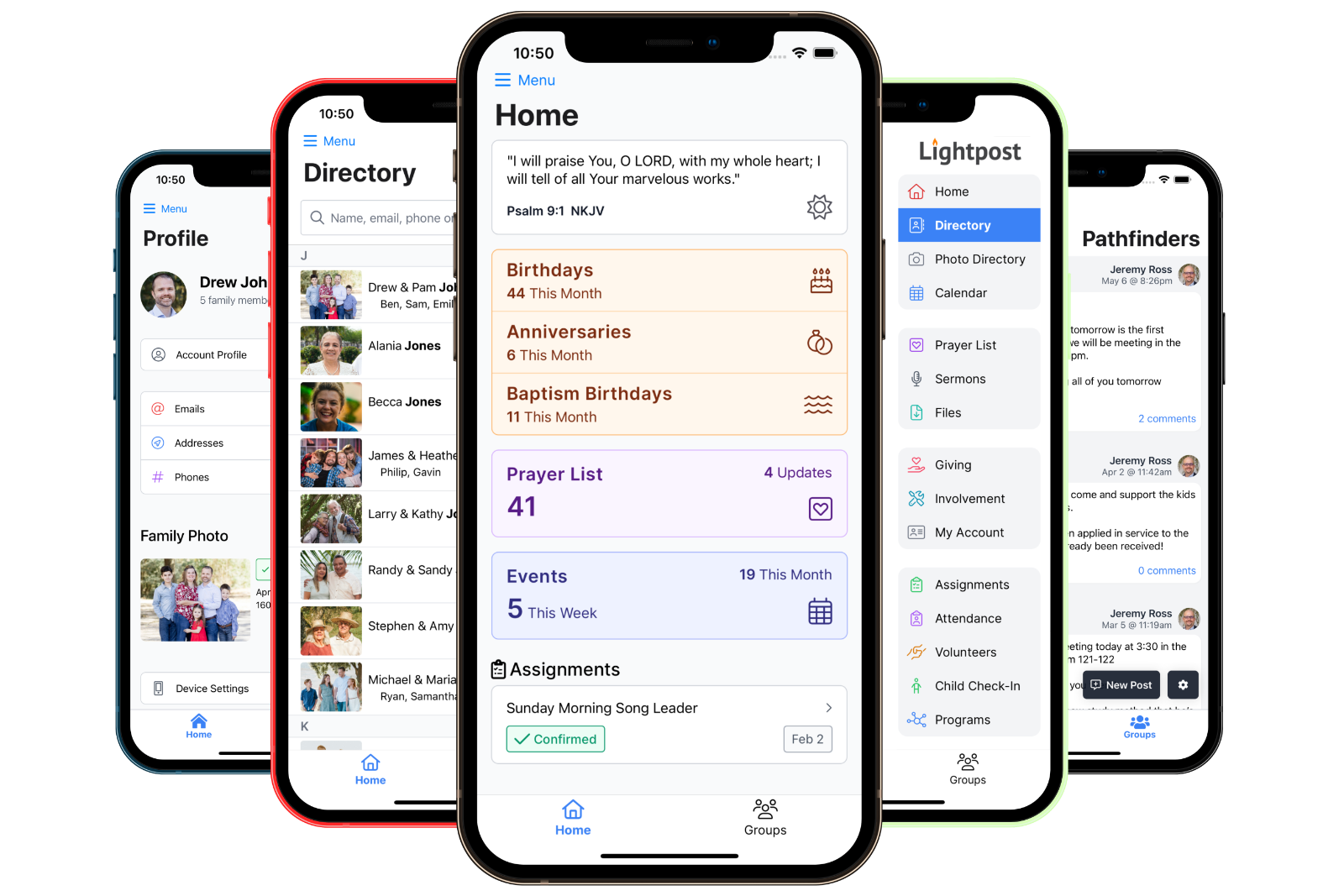
This month's events greet members on the home screen, and everything else is a tap away.
- See this month's events on the home screen
- Browse every calendar they can see
- RSVP for the whole family
- Add and edit group events
- Pin events in a group
- Staff create and edit events anywhere


In a group, yes, when the group allows it. Members add one-time events to their group's calendar, and you can give individual members permission to create or edit events. Church-wide calendars and repeating events are managed by your staff.
Yes. A group calendar is seen only by that group's members, and a staff-only calendar is seen only by the people who manage calendars. Only the calendars you mark public appear on your website.
Yes. Members can subscribe to their church calendars in Google Calendar, Apple Calendar or Outlook, and events stay in sync. They can also add any single event with one tap.
Yes. When responses are turned on, a member answers for themselves and their family members at once, and can add guests by name when you allow it.
Yes. Turn on the calendar page on your Lightpost website, or paste a short snippet into any other website to show your public calendars.
Yes. Print a monthly calendar with the calendars you choose, your preferred layout, and members' birthdays and anniversaries if you like.
Yes. Calendars come with every Lightpost plan.
Calendars are included
Put the whole church on the same page.
Calendars come with every Lightpost plan, alongside groups, messaging, the directory, prayer lists and more.