
Feature tour
Sign-up Sheets
Fill every spot, without the clipboard.
Potlucks, meals for a family, volunteer shifts, the church workday. Build a sheet in minutes, set how many people each part needs, and let families sign up together from the web, the app, or a link you share with visitors.
- Sections
- Spot limits
- Whole-family sign-up
- Guests & +1s
- Public link
- QR code
- Open & close dates
- Sheet admins
- Printable sheet
- CSV & PDF
- Mobile app
01Build
Build
Add a section for each dish, shift or day, and set how many spots and people each one needs.
02Share
Share
Members find it in the app. Visitors use a link or a QR code from the bulletin.
03Fill
Fill
Families sign up together, full sections close themselves, and you watch the totals grow.
Build a sheet
One sheet, as many parts as you need.
A sheet can be as simple as one list of names, or split into sections for each dish, shift, role or day.
- Sections for anything
- Main dishes and desserts, morning and afternoon shifts, or each night of a meal schedule.
- Spots and people limits
- Cap how many sign-ups and how many people each section takes, counting guests. Full sections close on their own.
- Allow +1s
- Let people bring guests in any section, and count them toward the total.
- Pause a section
- Stop new sign-ups for one section while the rest of the sheet stays open.
- Open and close dates
- Choose when members can see the sheet and when sign-ups open and close, or archive it when you're done.
- Duplicate last year's
- Copy a sheet with all its sections for the next potluck or workday, without the old sign-ups.
Signing up
A few taps, for the whole family.
Members open the sheet in the app or on the web, and their name, email and phone are already filled in.
- The whole family at once
- Check off household members to sign them all up together. Anyone already signed up is greyed out.
- Guests and comments
- Add how many guests are coming, and a note like "two pecan pies".
- Sign up someone else
- When you allow it, members can sign up another member, or a friend by name.
- Change of plans
- Members edit or remove their own sign-up while the sheet is open.
- See who's coming
- Show members who has signed up for each section, or keep the list for organizers.
- No double sign-ups
- The same person can't take two spots in one section by accident.
Public link
Open the door to the whole community.
For a gospel meeting, a community meal or VBS volunteers, make a sheet public and anyone can sign up with a link. No account needed.
- A link to share
- Copy the sheet's public link into an email, a text or your Facebook page.
- A QR code
- Copy the QR code as an image for the bulletin, a flyer or the slides before service.
- Several sections at once
- Visitors choose every section they want in one go, with their name and optional contact details.
- Optional password
- Add a password when a public sheet should only be used by the people you give it to.
Organizers
Hand it to the person who's running it.
Name any member as a sheet admin. They see contact details and manage sign-ups for that sheet, without access to the rest of your admin tools.
- Sheet admins
- Give the potluck coordinator or the workday captain control of one sheet's sign-ups.
- Add people for them
- Sign up someone who called the office, add their family, and keep a private note.
- Move between sections
- Shift a sign-up from Sides to Desserts when the plan changes.
- Totals at a glance
- Search and filter sign-ups, and see total entries and total people, guests included.


Print & export
Still want it in the foyer?
Some folks will always sign a paper sheet. Print one in seconds, and download the list when it's time to plan.
- A printable sheet
- A ready-to-post PDF with your title, date and location and numbered lines for each section.
- Sign-ups as a PDF
- Every sign-up with its section, guests and comments, plus the totals.
- Spreadsheet export
- Names, sections, contact details, guests and comments, ready to sort.
- Directions for visitors
- On a public sheet, the location links straight to directions.
Mobile app
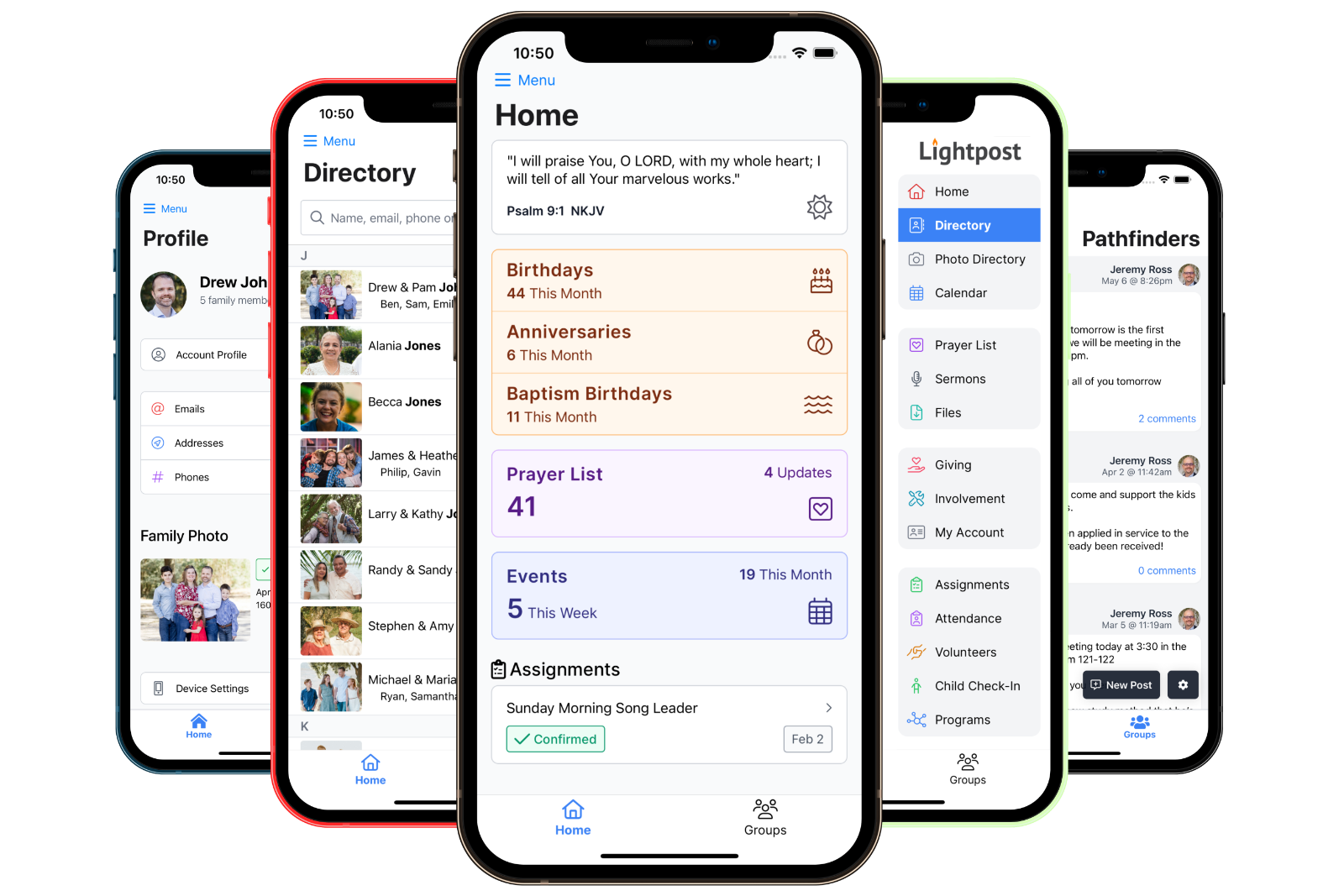
Sign up from the pew, in the free mobile app.
Open sheets show up on the home screen, so members see what still needs help.
- See open sheets on the home screen
- Sign up yourself and your family
- Edit or remove a sign-up
- Download the printable sheet
- Sheet admins manage sign-ups
- Staff create and edit sheets


Questions
Common questions about sign-up sheets.
Don't see yours? Ask us, or read the documentation.
Yes. Make a sheet public and share its link or QR code. Visitors sign up with their name and, if they like, an email and phone number. No account needed.
Yes. Members check off the people in their household and sign them all up at once, and can add guests who are coming with them.
Yes. Each section can have a limit on sign-ups, a limit on people counting guests, or both. When a section is full, it closes on its own.
Staff with permission to manage sign-up sheets create and edit them. You can name any member as a sheet admin to manage the sign-ups for one sheet.
Members can edit or remove their own sign-up while the sheet is open. Sheet admins can change any sign-up at any time.
Yes. Download a printable sheet with numbered lines for each section, and add those names in later if you like.
Yes. Sign-up sheets come with every Lightpost plan.